find the template
behind any Framer site
A free Chrome extension. Open a Framer site, click the icon, and see the Marketplace template it was built from, with its pages, CMS collections and components.
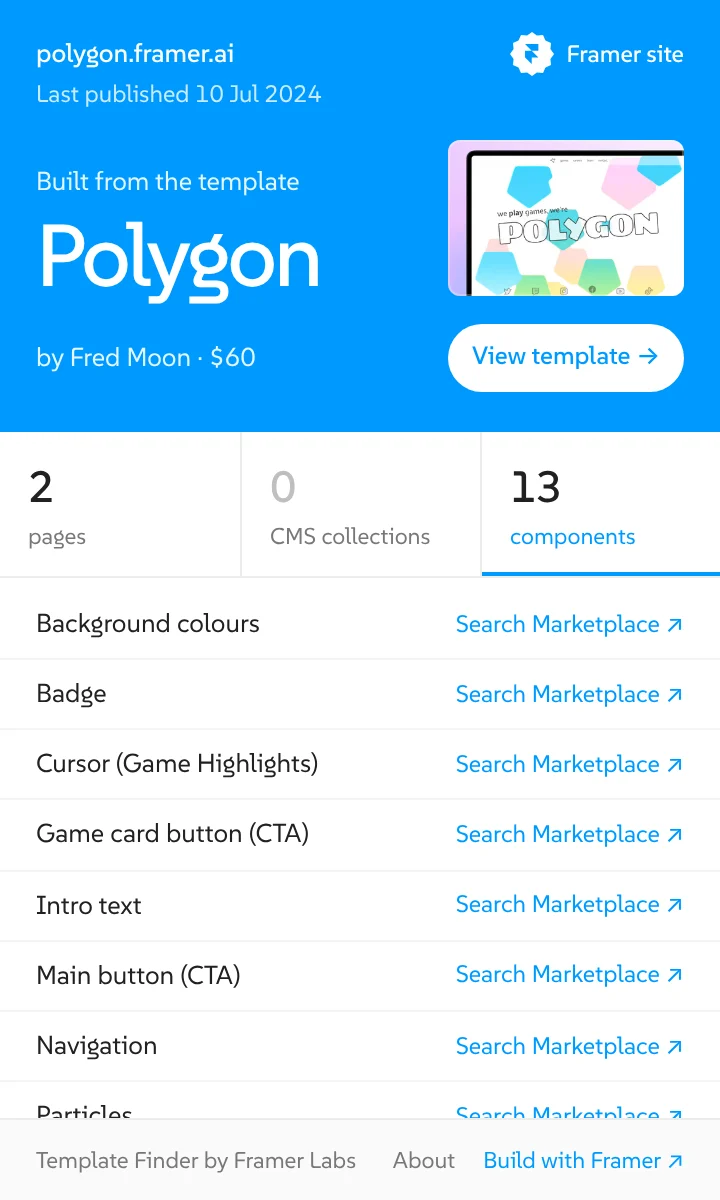
one click, the whole answer
Click the icon on any Framer site. The panel names the template and shows the pages, the CMS collections, the components and when the site was last published. Not a Framer site? It says so at once.